Your hands stay on the keys
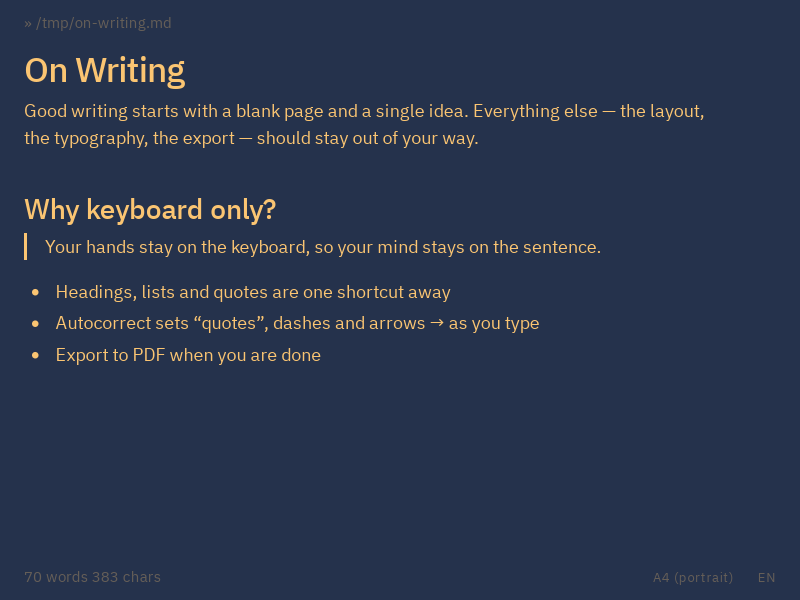
Headings, lists, links and emphasis are one shortcut, or one typed character, away. The toolbar is there when you'd rather click.
The shortcuts
A minimalist markdown editor for Linux, macOS and Windows. No clutter, no distractions, just you and the next sentence.

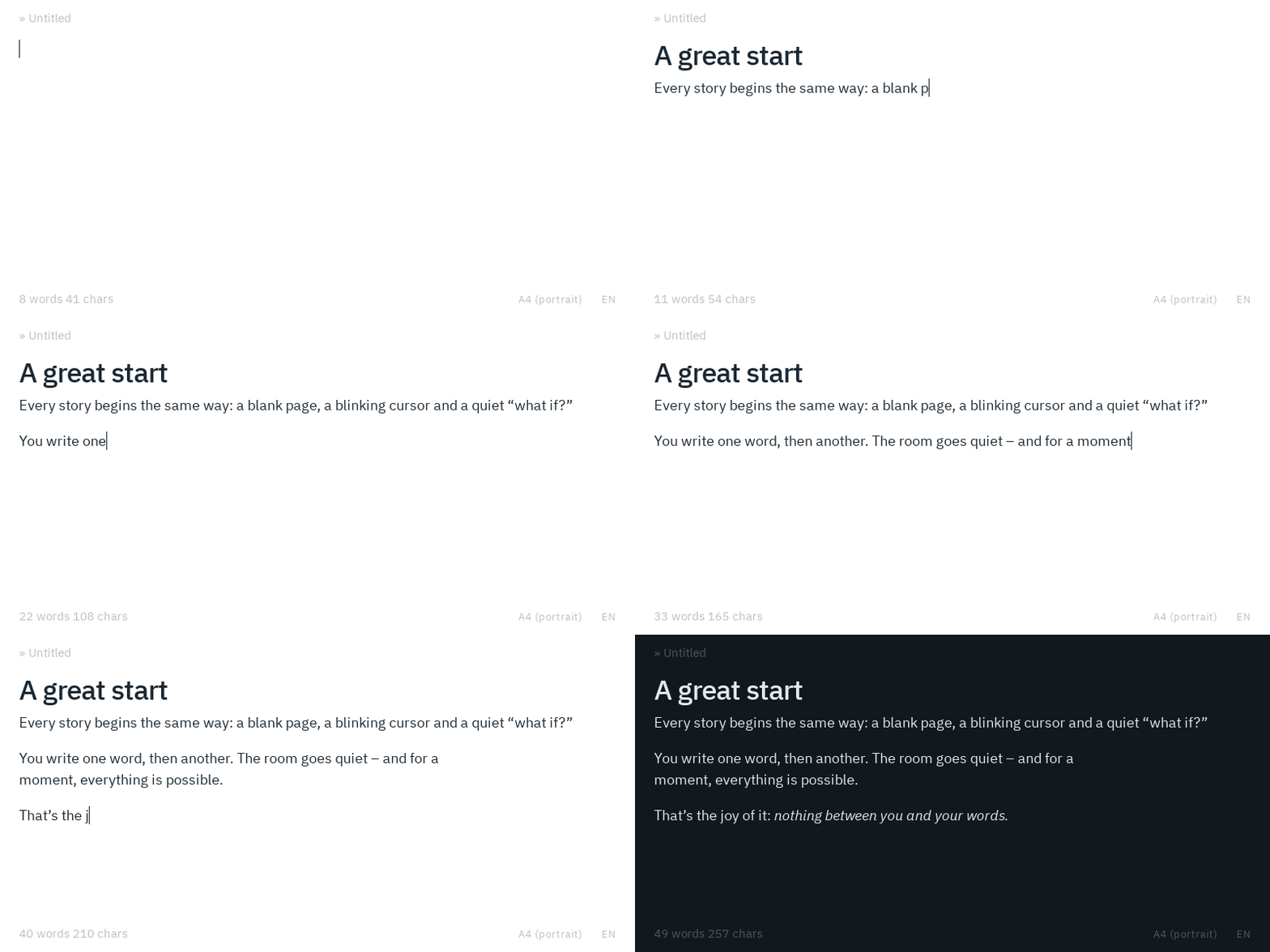
Every piece of writing begins the same way: an empty page, a blinking cursor, and the quiet question of what comes next.
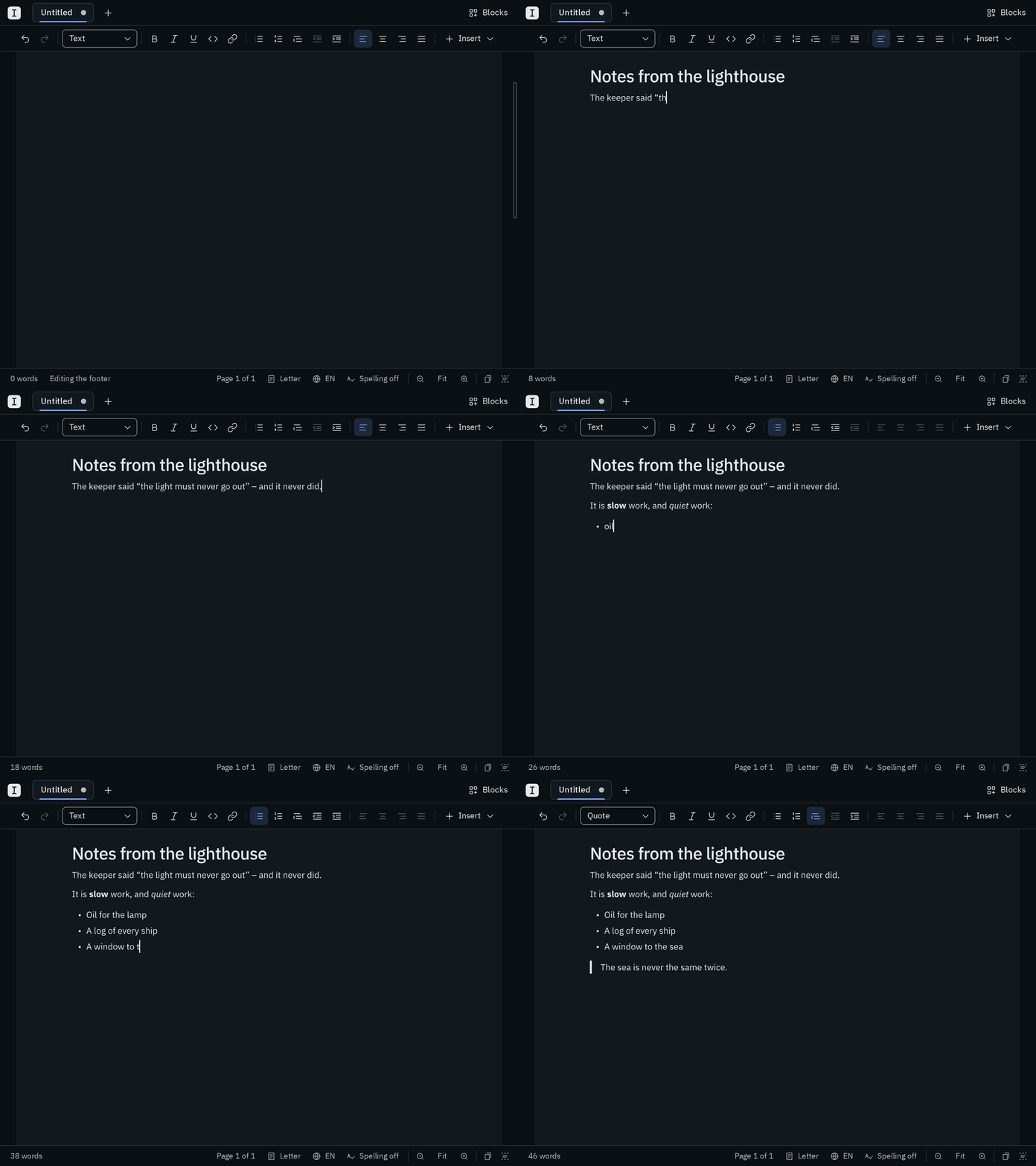
Blank is made for that moment and for everything after it. Nothing asks for your attention: one quiet row of formatting buttons, and otherwise the page and the sentence you are writing. Your hands can stay on the keyboard, and the formatting follows them: type # and a space, and a heading appears, press Mod I and your words lean into italics.
The small things take care of themselves. Quotes curl, dashes find their length, and a new sentence starts with a capital letter in the language you write in. Underneath, it’s plain markdown, so your writing stays yours.
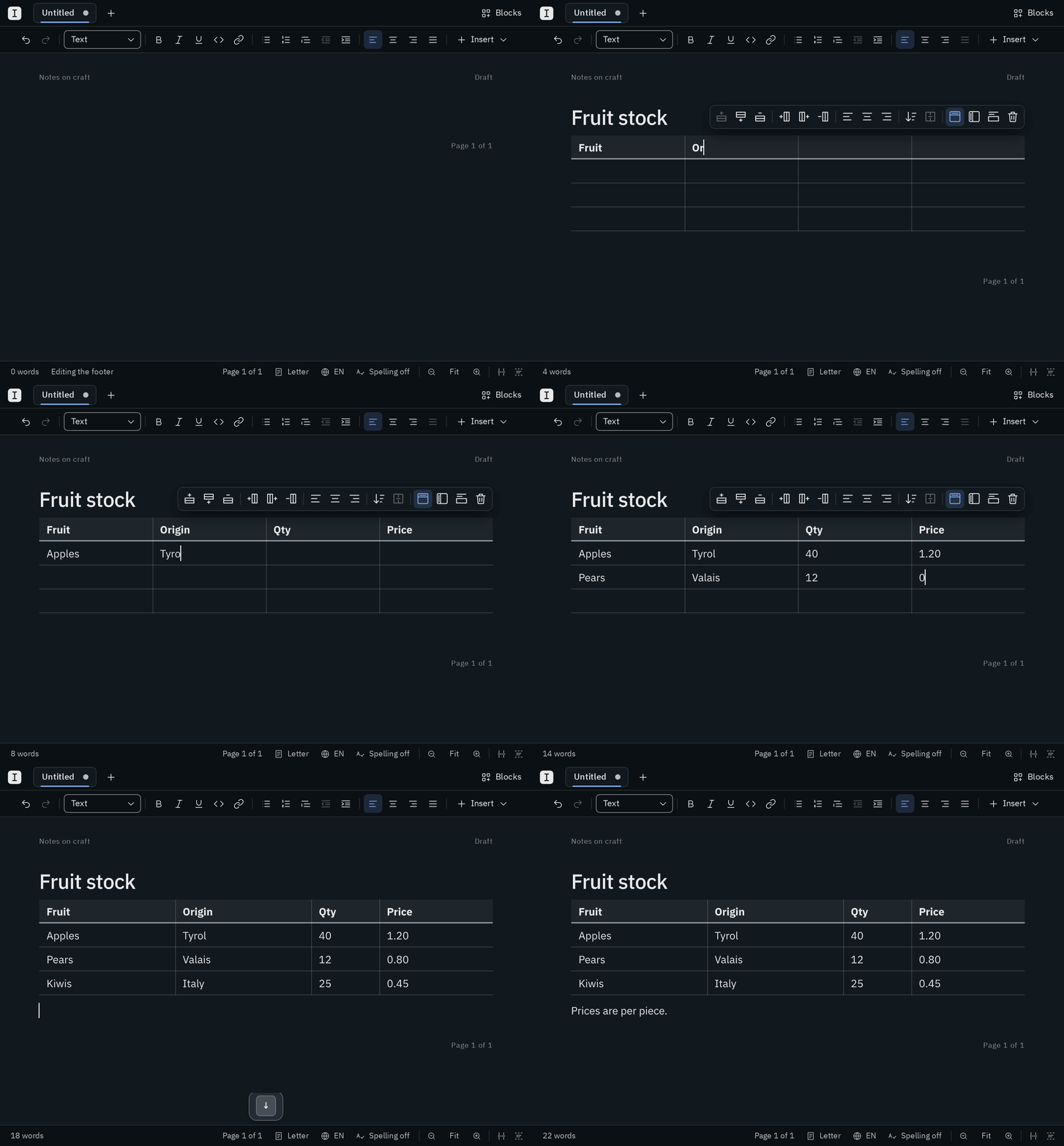
Blank lays out your text the way the PDF prints it: every line and every page ends on the screen where it ends on paper. Headers, footers and page numbers are in place on every sheet.
Your pages →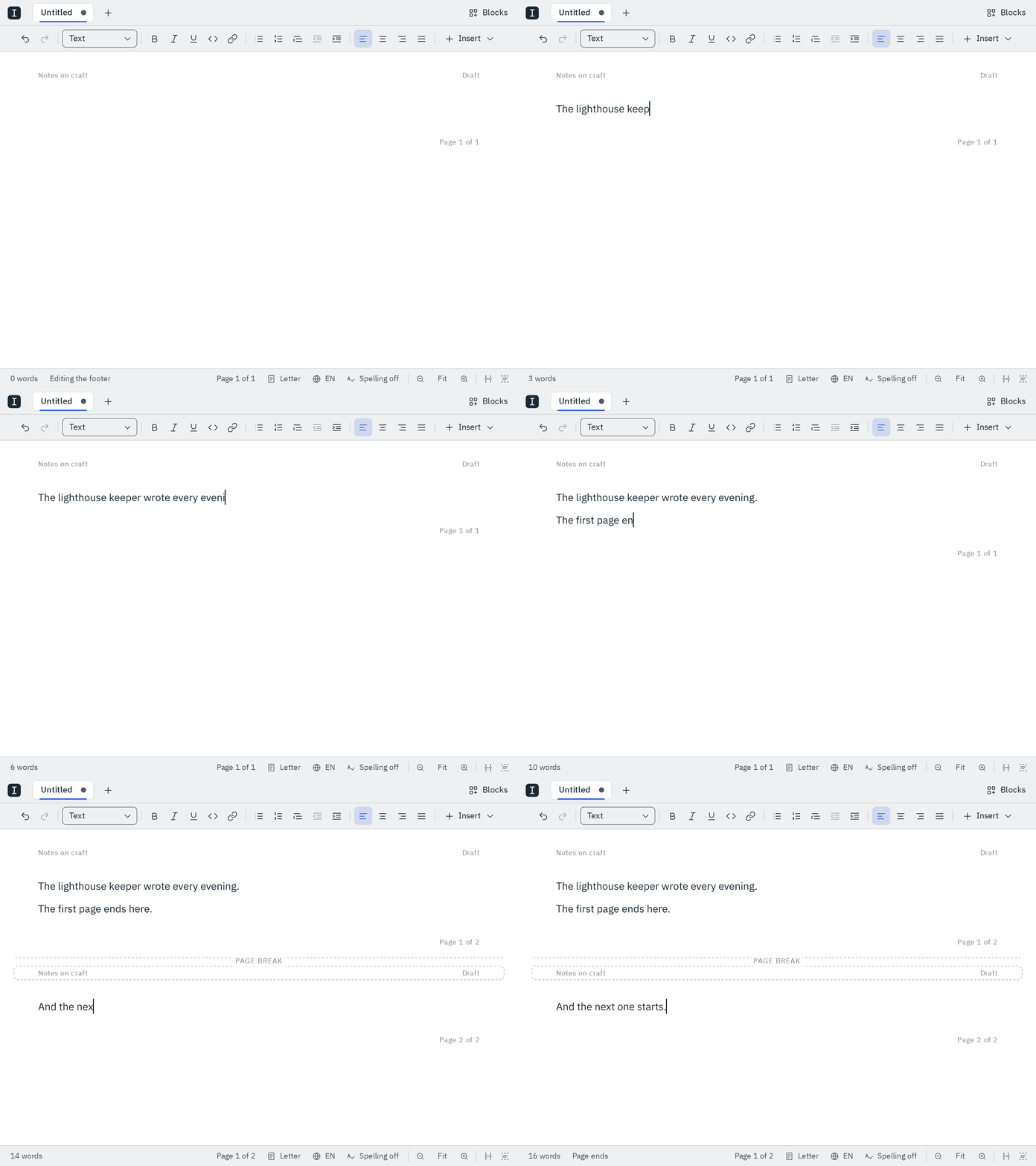
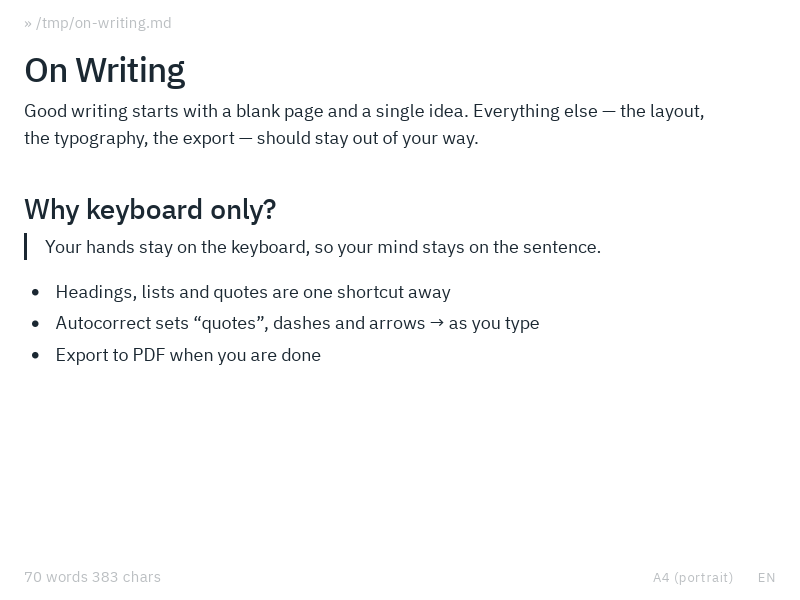
Type # for a heading, **…** for bold or - for a list, and Blank formats as you go, with typographic quotes and dashes in the language you write in. Every format also has a button in the toolbar, and every command a shortcut.
Writing in Blank →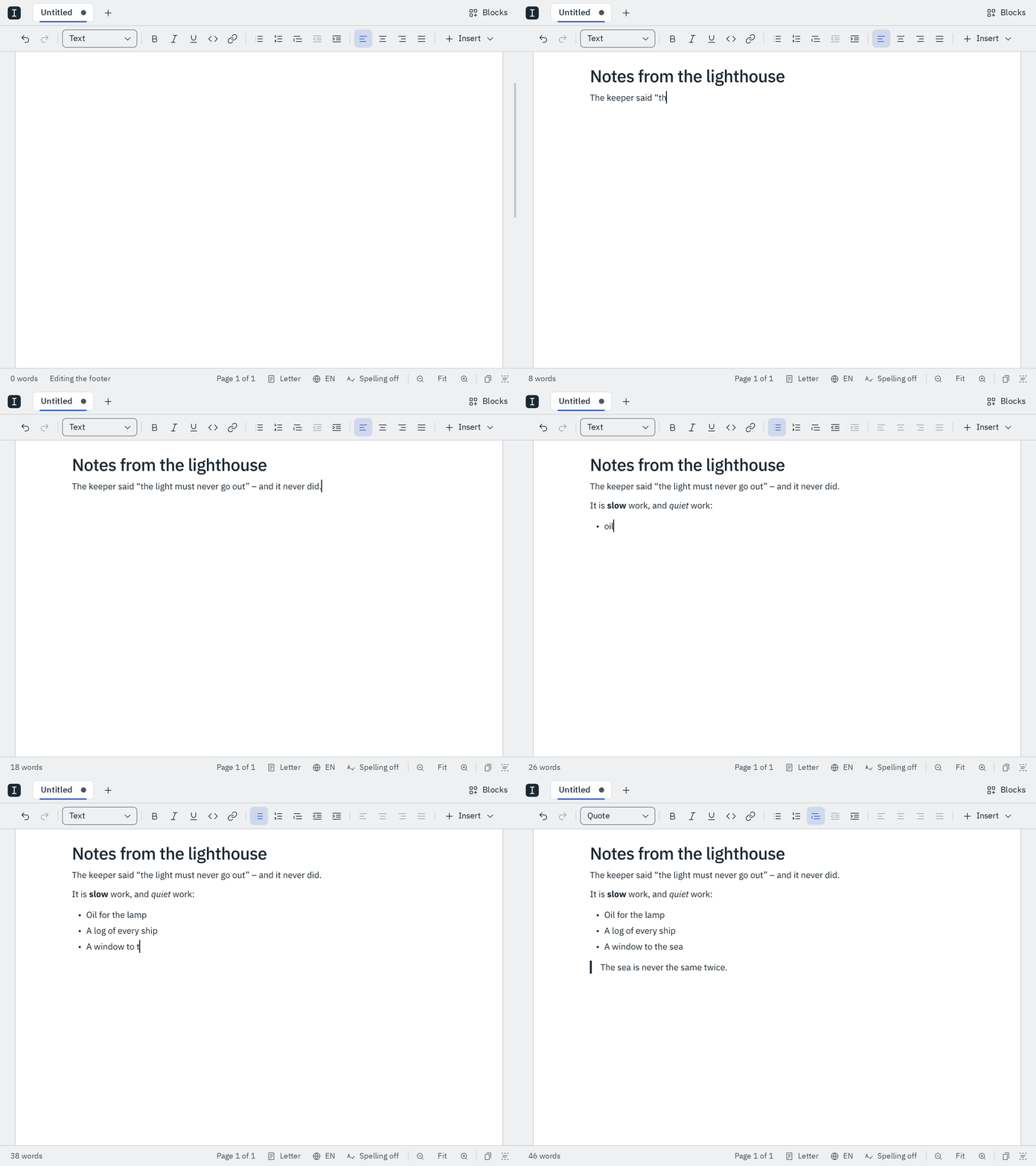
Mod T, the arrow keys and Enter make a table, and Tab goes from cell to cell. Paste cells from a spreadsheet, and drag rows and columns with the mouse.
Tables →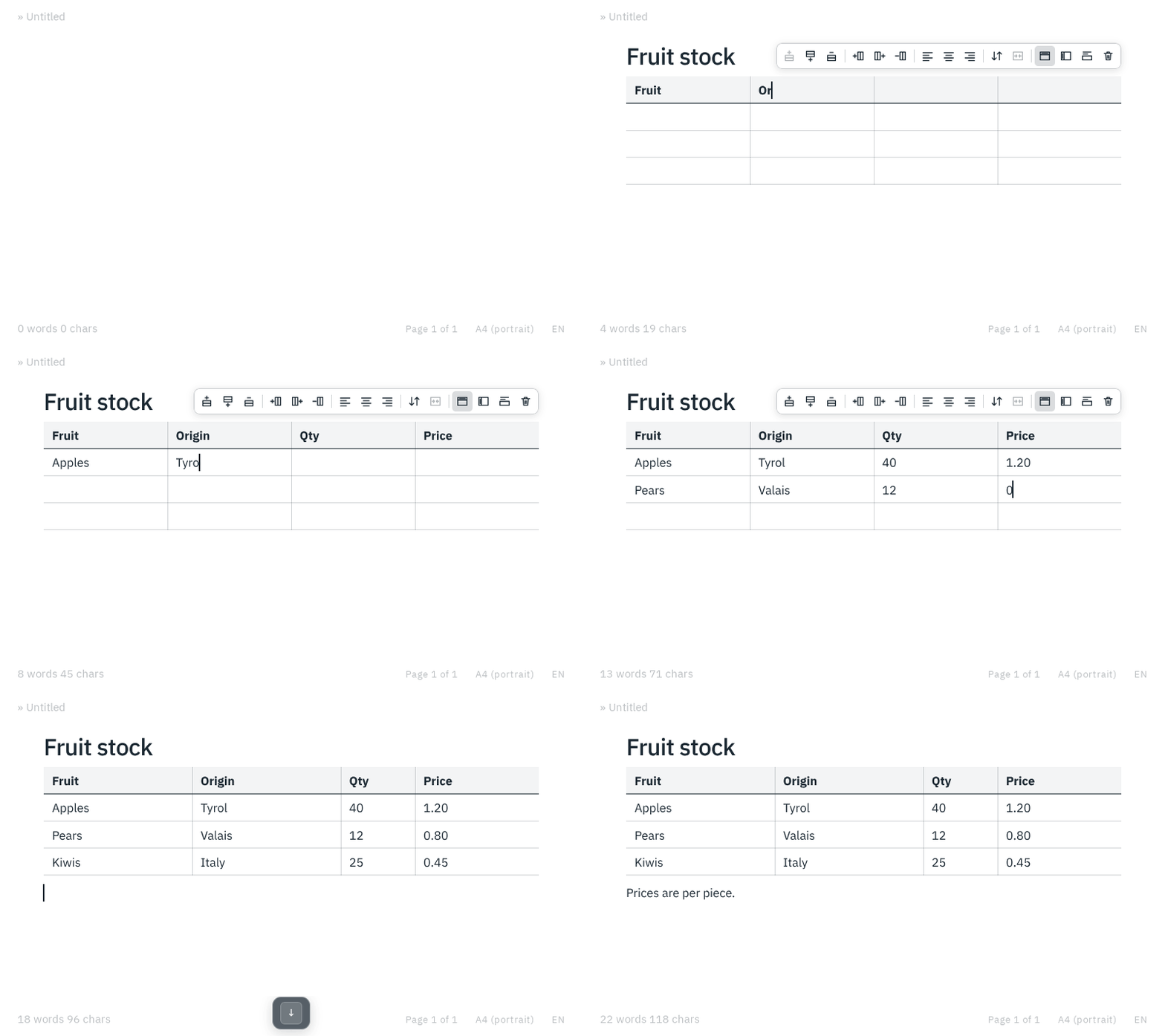
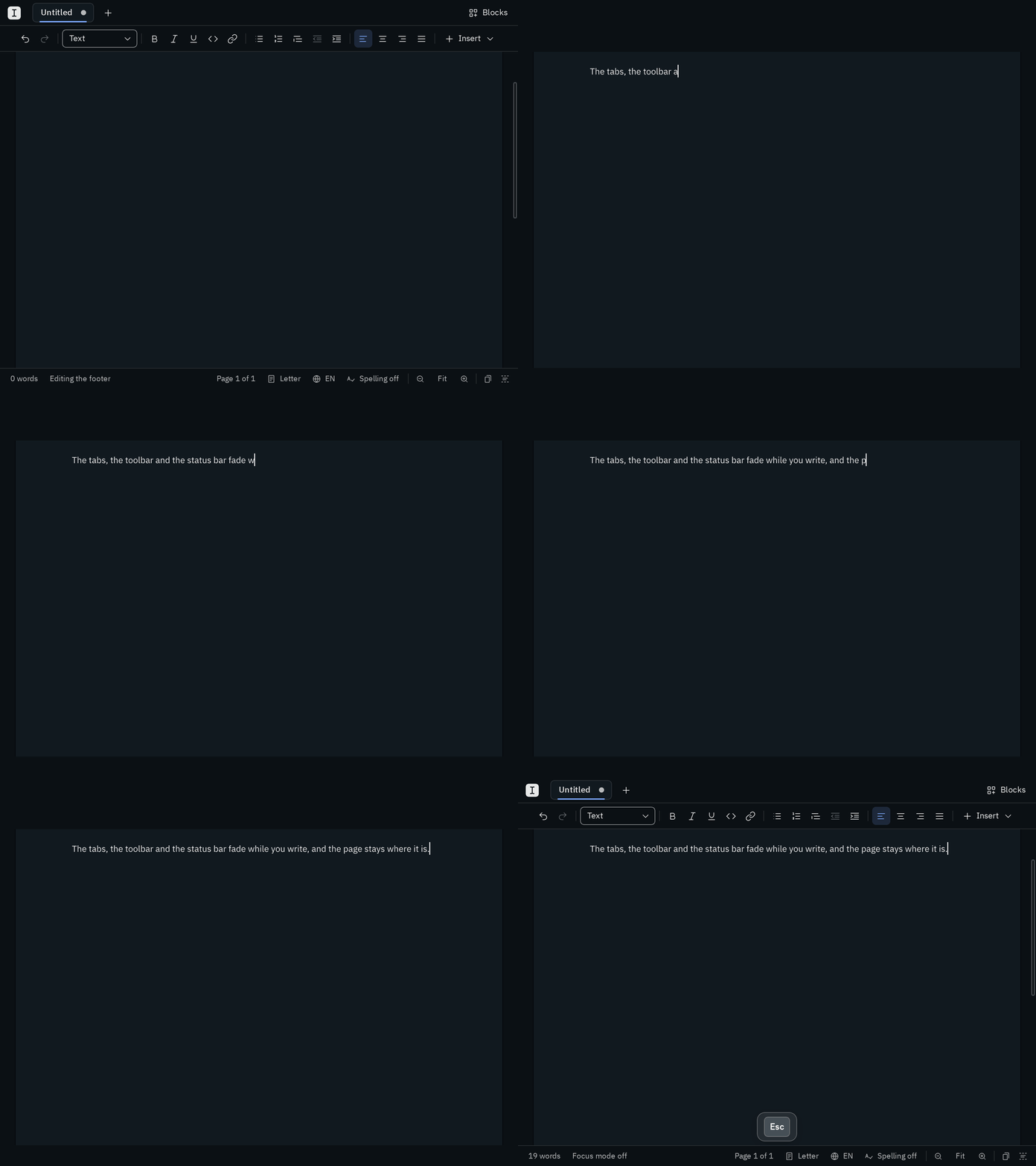
Turn on focus mode, with the last button in the status bar or Mod Shift F, and the tabs, the toolbar, the panes and the status bar fade as you type. Move the mouse and they're back.
Focus mode →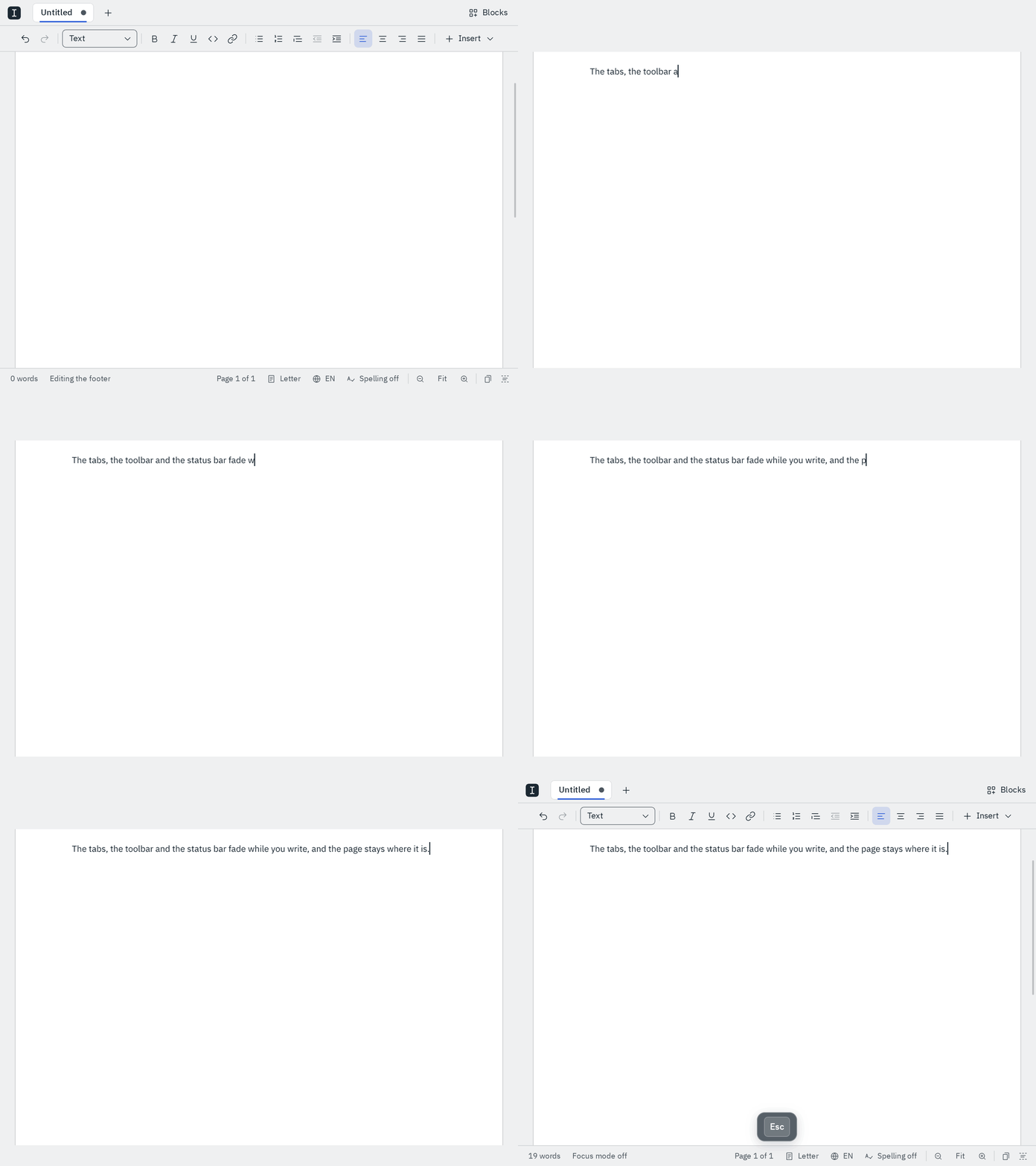
Insert one from the Blocks pane: it lists your headings with their pages, and follows every heading you add, rename or move.
Blocks →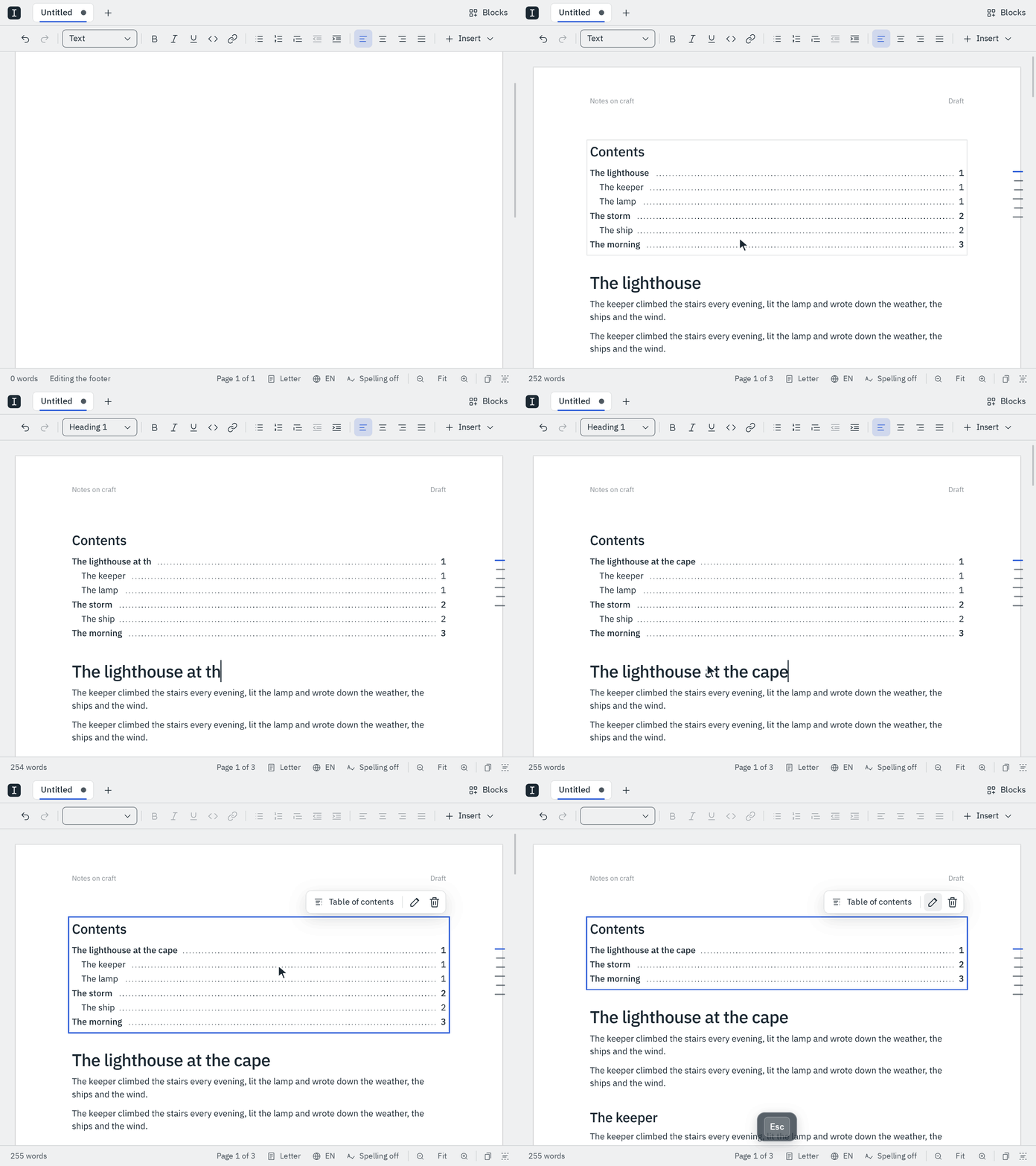
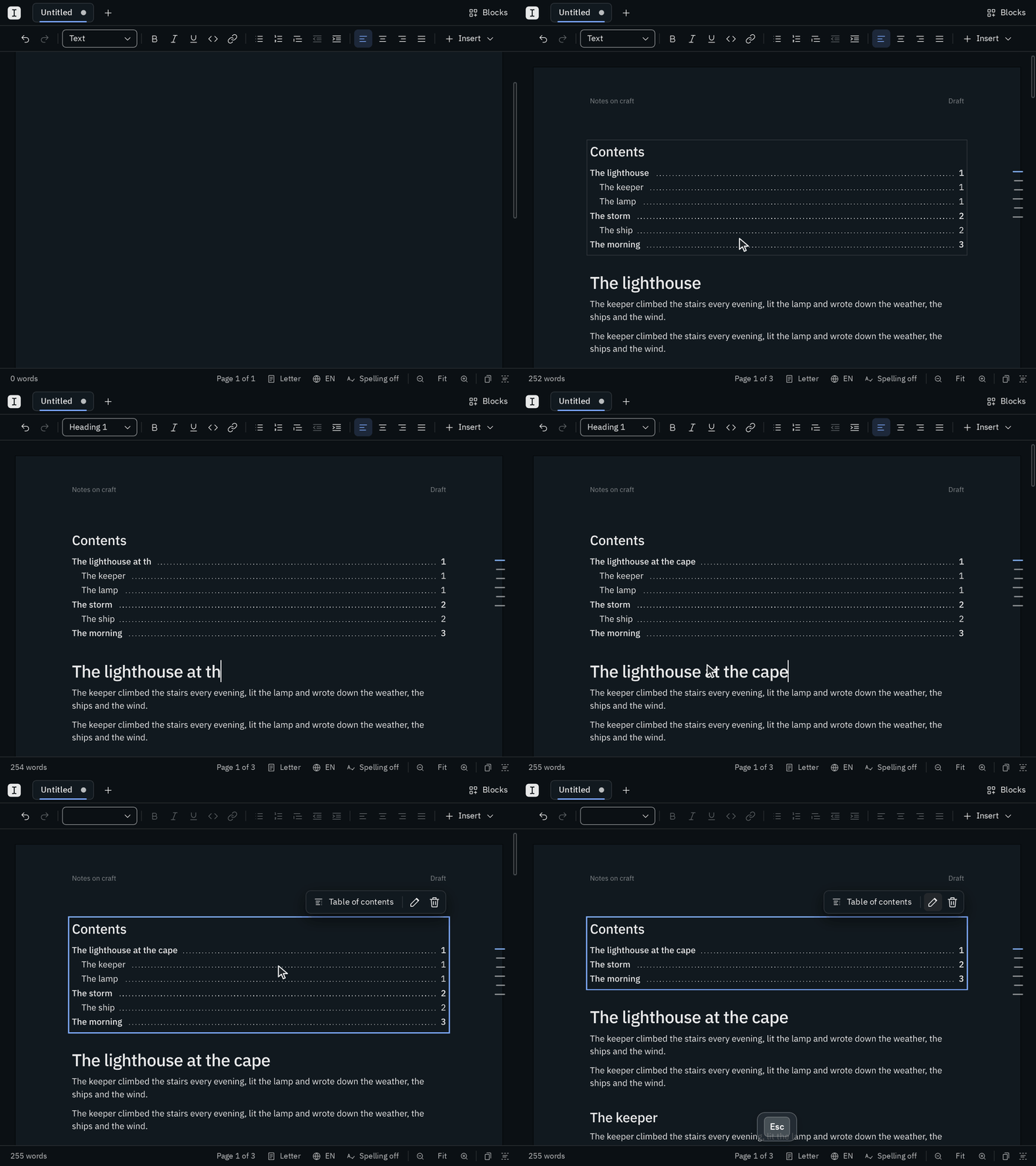
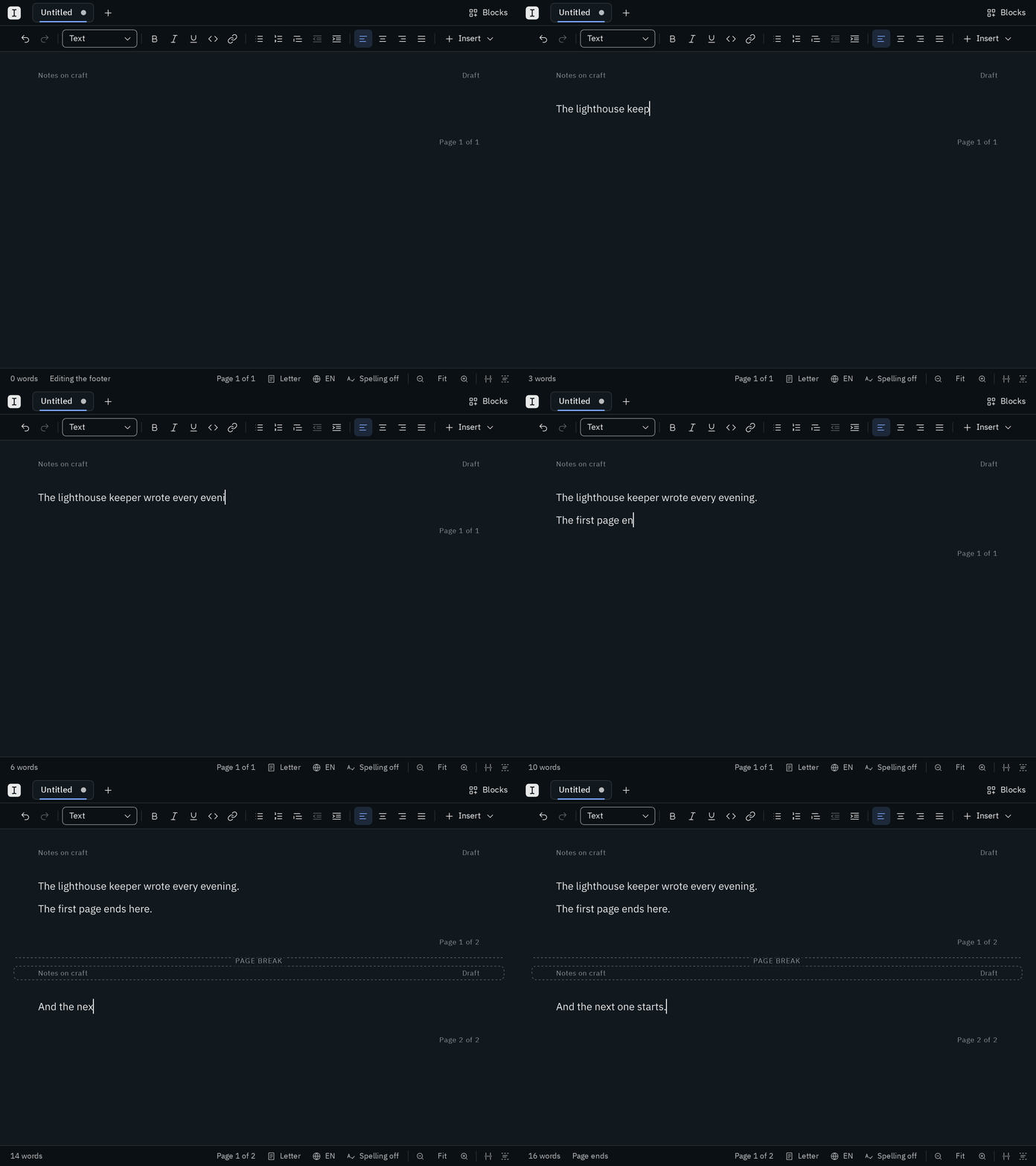
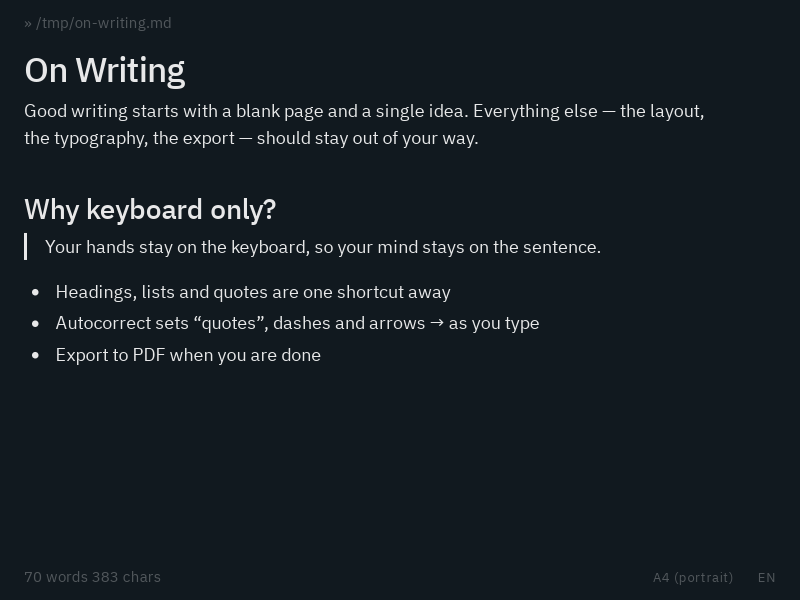
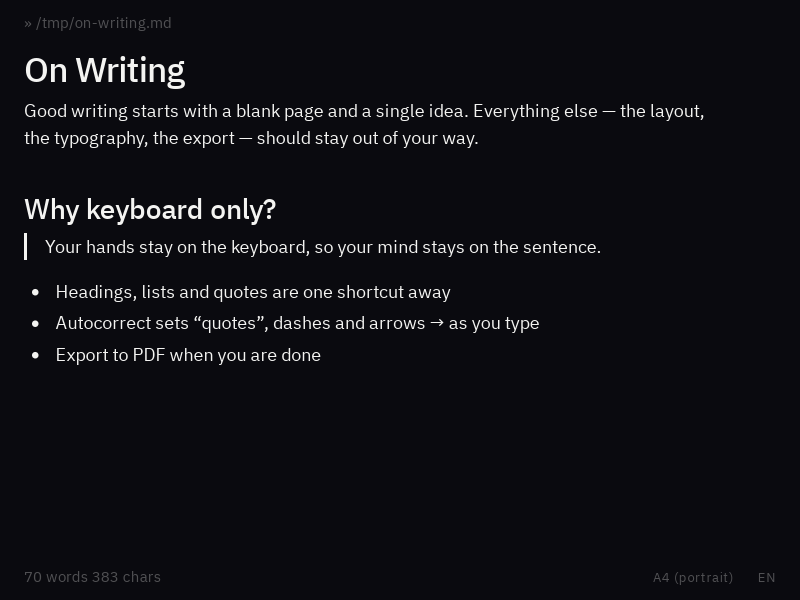
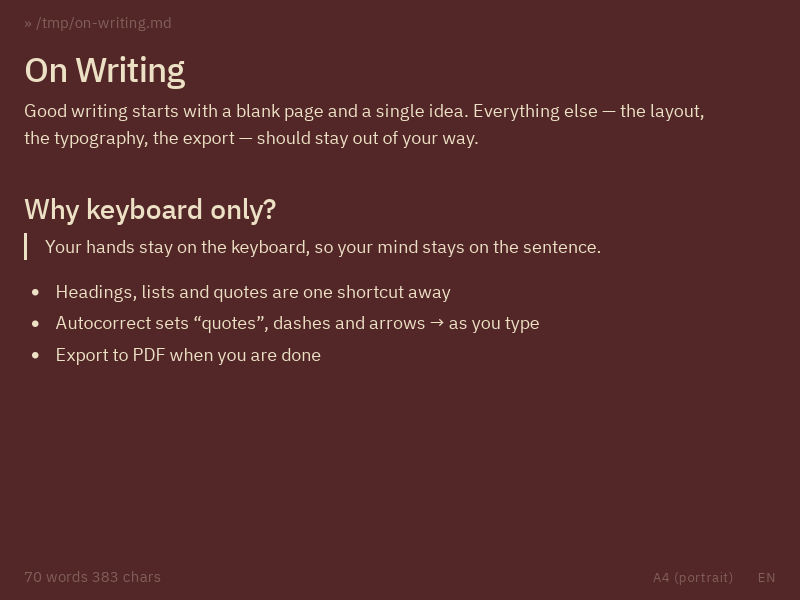
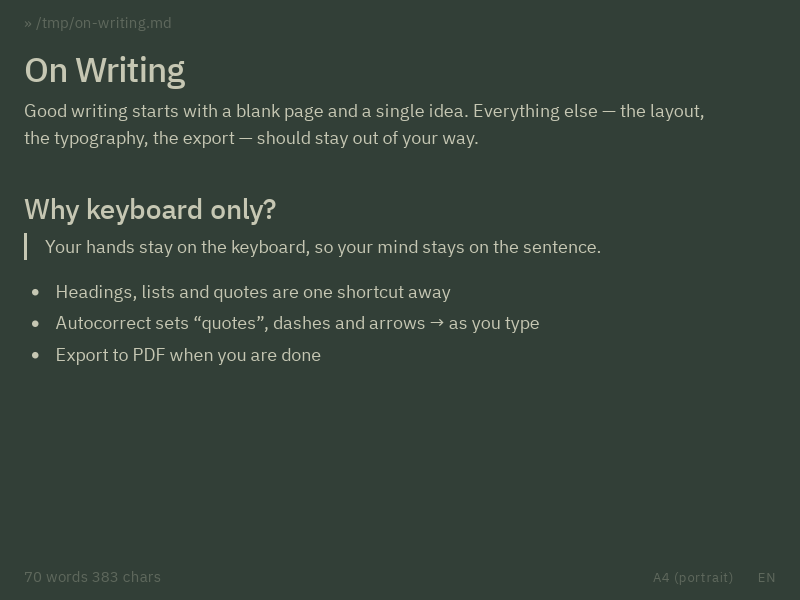
Whatever the hour, there is a page that feels right.
Blank is free and open source.